How to Auto Reply to Instagram DMs (Step-by-Step Guide)
If you’re selling on Instagram, here’s the truth:
👉 Your DMs are your sales inbox.
Every message is a potential customer.
But if you’re replying manually…
- You miss messages
- You reply late
- You lose sales
So the real question is:
👉 How do you reply instantly — even when you’re offline?
In this guide, you’ll learn exactly how to auto reply to Instagram DMs step-by-step.
Why Auto Reply on Instagram Matters
Instagram is no longer just for posting photos.
👉 It’s a sales channel.
Customers send messages like:
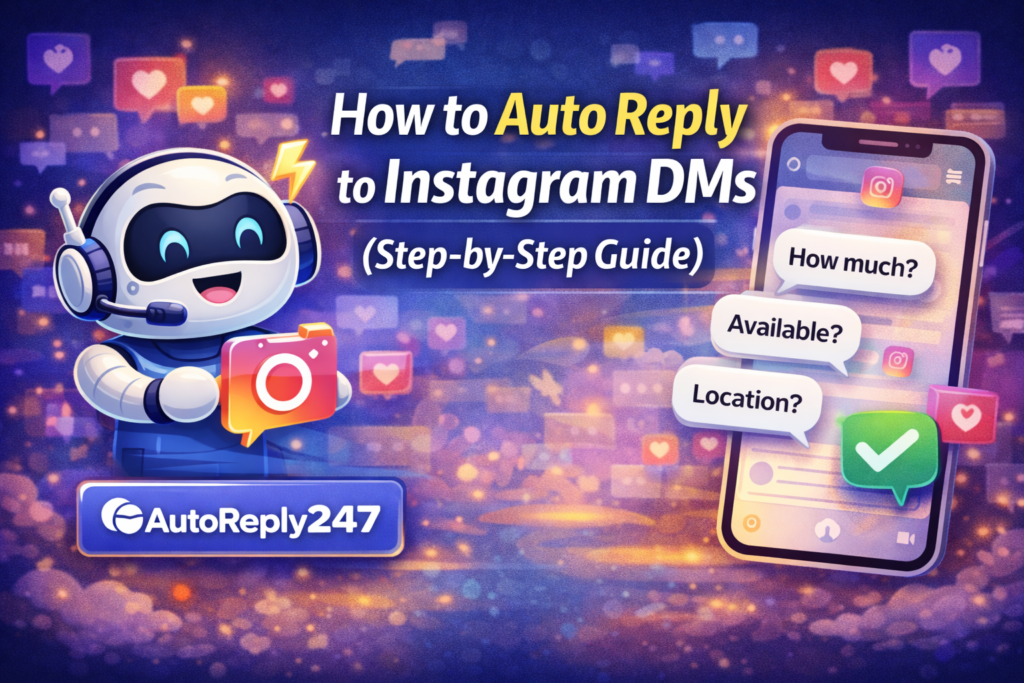
- “How much?”
- “Available?”
- “Location?”
- “How to order?”
If you reply fast → you win the sale
If you reply late → you lose it
Simple.
What Is Instagram Auto Reply?
Instagram auto reply is a system that:
👉 Automatically responds to messages instantly
Instead of replying manually, the system:
- Sends instant replies
- Answers common questions
- Follows up with customers
All without you being online.
💡 What You Need Before You Start
Before setting this up, make sure:
- You have an Instagram Business account
- Your Instagram is connected to a Facebook Page
- You’re using an auto-reply tool
⚙️ Step-by-Step: How to Auto Reply to Instagram DMs
Step 1: Connect Your Instagram Account
Use an auto-reply platform and connect your Instagram account.
Step 2: Set Up Instant Replies
Create a welcome message that triggers automatically.
Example:
“Hi! 👋 Thanks for messaging us. We’ll assist you right away.”
Step 3: Add Keyword-Based Replies
Set automatic responses for common keywords:
- “price” → send pricing
- “available” → confirm stock
- “location” → send address
- “order” → send instructions
Step 4: Enable AI Replies
Instead of exact keywords, let AI understand variations like:
- “hm?”
- “how much po?”
- “price pls”
Step 5: Set Follow-Up Messages
If the customer doesn’t reply, send a follow-up:
“Hi 😊 Just checking if you’re still interested!”
📈 Best Practices for Instagram Auto Reply
To make your replies feel natural:
✅ Keep it short and friendly
✅ Use emojis (but not too many)
✅ Avoid robotic language
✅ Add a human touch
Example:
Bad ❌
“Your inquiry has been received.”
Better ✅
“Hi! 😊 Thanks for your message! How can we help?”
⚠️ Common Mistakes to Avoid
- Sending long paragraphs
- Sounding too robotic
- Not setting follow-ups
- Ignoring real-time replies
👉 Automation should assist, not replace human interaction completely.
🚀 What Happens When You Automate Instagram DMs
Once you set this up:
- You reply instantly (even offline)
- You capture more leads
- You increase conversions
- You save hours every day
👉 More replies = more sales
Conclusion
Instagram DMs are one of the most powerful sales tools today.
But only if you respond fast.
If you want to grow your business:
👉 Stop replying manually
👉 Start automating
Because in today’s market…
👉 The fastest reply wins.
🚀 Want to reply to every customer instantly?
Try AutoReply247 and automate your Facebook & Instagram messages in minutes.
👉 Get started now: https://autoreply247.com