Best Instagram Auto Reply Examples (Copy & Paste Templates)
If you’re running a business on Instagram, you’ve probably seen messages like:
- “How much?”
- “Available?”
- “Location?”
And if you’re replying manually every time…
👉 you’re wasting time and losing sales.
The solution?
👉 Use proven auto reply templates.
In this guide, you’ll get ready-to-copy Instagram auto replies you can use today to respond faster and convert more customers.
Why Auto Reply Templates Work
Instead of thinking of what to say every time…
👉 you use pre-written responses that:
- Save time
- Keep replies consistent
- Increase conversion rates
👉 Faster replies = more sales
💬 1. Instant Welcome Message
Use this as your first reply:
Template:
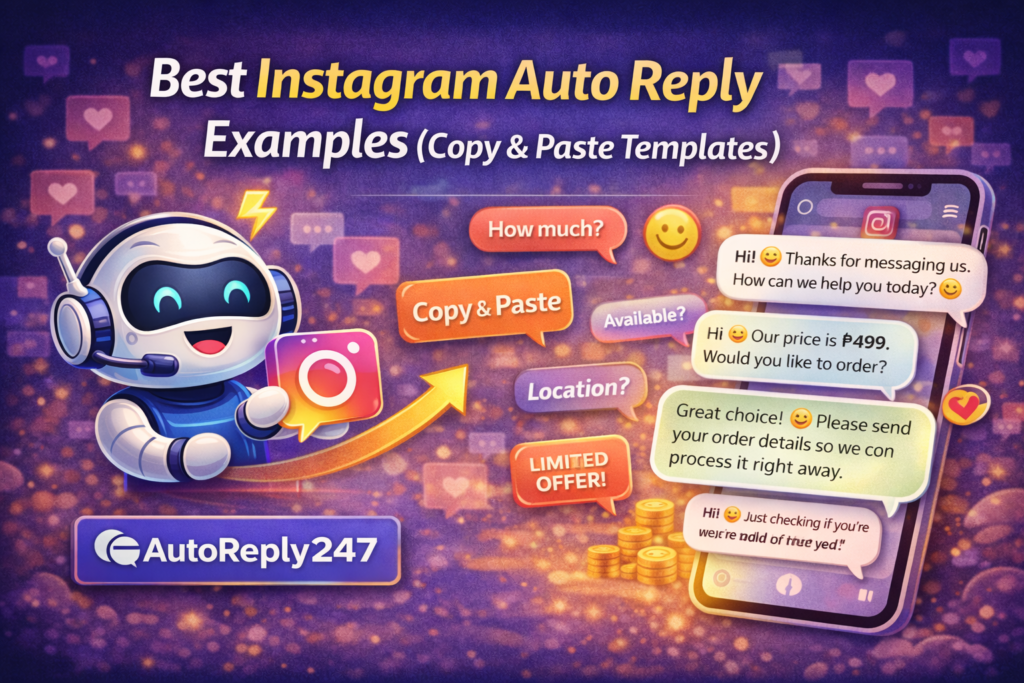
“Hi! 👋 Thanks for messaging us. How can we help you today? 😊”
💰 2. Price Inquiry Replies (“How much?”)
Template 1:
“Hi 😊 Our price is ₱499. Would you like to order?”
Template 2:
“Hello! 👋 This item is ₱499. We also offer delivery. Interested to order?”
📦 3. Availability Replies
Template:
“Yes 😊 This item is available. Would you like us to reserve one for you?”
📍 4. Location / Delivery Replies
Template:
“We’re located in [Your City], and we offer nationwide delivery 🚚 Would you like to order?”
🛒 5. Order Instructions
Template:
“To order, please send your:
Name:
Address:
Contact Number:
Item & Quantity: 😊”
⏰ 6. Follow-Up Message (No Reply)
Template:
“Hi 😊 Just checking if you’re still interested. We still have stock available!”
🔥 7. Limited Offer / Urgency
Template:
“Hi! 😊 We only have a few items left today. Let us know if you’d like to reserve one!”
❌ 8. Out of Stock Reply
Template:
“Hi! 😊 This item is currently out of stock, but we can notify you once available. Would you like us to update you?”
🤝 9. Closing the Sale
Template:
“Great choice! 😊 Please send your order details so we can process it right away.”
💡 Pro Tips to Make Templates Convert Better
✅ Keep it short and clear
✅ Use emojis naturally
✅ Always include a CTA
✅ Sound human, not robotic
⚙️ How to Use These Templates Automatically
Instead of copying and pasting every time…
👉 you can automate these replies.
Set them up as:
- Instant replies
- Keyword triggers
- AI responses
So they send automatically when a customer messages you.
📈 What Happens When You Use Templates
Once you apply these:
- Faster replies
- More conversations
- Higher conversions
- Less manual work
👉 Simple templates = big results
Conclusion
You don’t need to overthink your replies.
👉 You just need the right templates.
Use these proven messages, automate them, and you’ll:
- Save time
- Reply faster
- Close more sales
🚀 Want to reply to every customer instantly?
Try AutoReply247 and automate your Facebook & Instagram messages in minutes.
👉 Get started now: https://autoreply247.com