Best Auto Reply Messages for Facebook (Copy & Paste Templates)
If you’re running a business on Facebook, you’ve probably answered these questions hundreds of times:
- “How much is this?”
- “Is this still available?”
- “Where are you located?”
Replying manually every time is exhausting — and slow replies can cost you sales.
The good news?
You can automate these replies using ready-made templates.
In this post, you’ll get the best auto reply message examples you can copy and paste for your business.
🚀 Why Use Auto Reply Messages?
Auto replies help you:
- ⚡ Respond instantly
- 💰 Close more sales
- 🧠 Save time
- 🕒 Reply even while offline
Fast replies = more conversions.
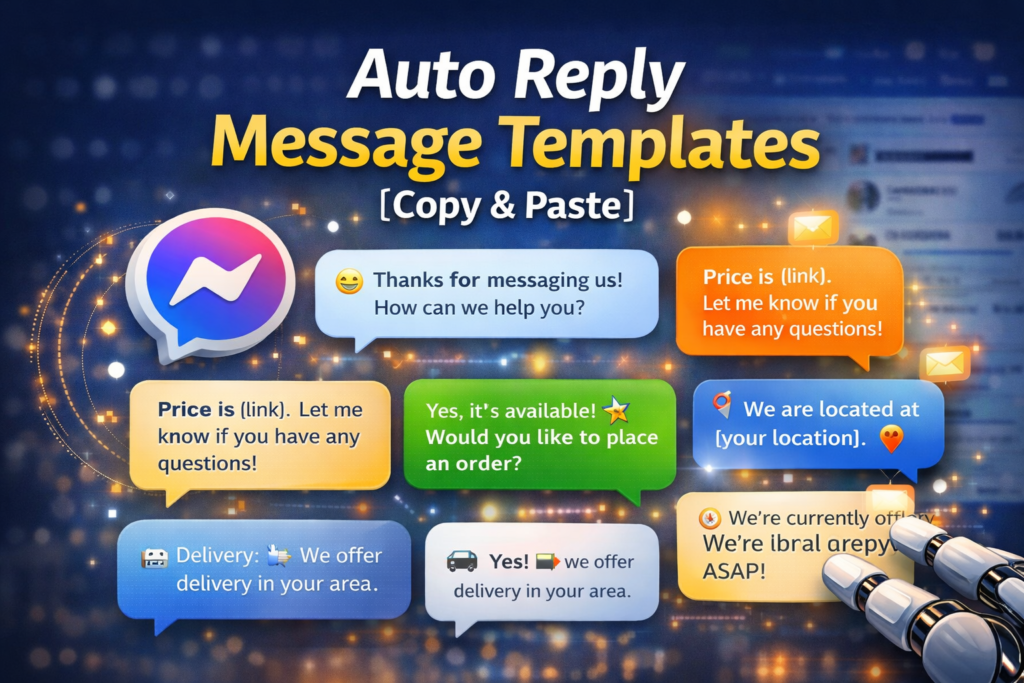
📋 1. General Greeting Message
Use this when someone messages your page for the first time.
👉
“Hi there! 😊 Thanks for messaging us. How can we help you today?”
💰 2. Price Inquiry Reply
Customer: “How much is this?”
👉
“Hi! 😊 Thanks for your interest. You can check the price here: [insert link]. Let me know if you have any questions!”
📦 3. Availability Reply
Customer: “Available pa?”
👉
“Yes, it’s still available! 🎉 Would you like to place an order or need more details?”
📍 4. Location Reply
Customer: “Where are you located?”
👉
“We are located at [your location]. 📍 We also offer delivery options for your convenience!”
🚚 5. Delivery / Shipping Reply
Customer: “Do you deliver?”
👉
“Yes! 🚚 We offer delivery. Please send your location so we can check the delivery fee.”
⏰ 6. Business Hours Reply
Customer messages outside business hours:
👉
“Hi! 😊 We’re currently offline, but we’ll get back to you as soon as possible. Thank you for your patience!”
🛒 7. Order Confirmation Reply
👉
“Great choice! 🎉 Please send your details (Name, Address, Contact Number) so we can process your order.”
❓ 8. Follow-Up Message
If customer doesn’t reply:
👉
“Hi! Just checking in 😊 Let us know if you’re still interested or if you have any questions!”
🤖 9. AI Smart Reply (Recommended)
Instead of fixed templates, you can also use AI to reply dynamically.
Example:
👉
Customer: “Do you have other colors?”
Reply: “Yes! 😊 We currently have red, blue, and black available. Which one would you like?”
This feels more natural and increases conversions.
⚙️ How to Use These Templates
You can:
- Copy and paste manually
- Set them as saved replies
- Or automate them using tools like AutoReply247
📈 Pro Tips for Better Replies
- Keep messages short and friendly
- Use emojis (but don’t overdo it)
- Always guide the customer to the next step
- Be clear and helpful
🚀 Final Thoughts
Auto reply messages are one of the easiest ways to:
- save time
- improve response speed
- increase sales
Start using these templates today and watch your conversations turn into customers.
🚀 Want Fully Automated Replies?
Stop copying and pasting manually.
AutoReply247 can automatically reply to your Facebook and Instagram messages using AI — instantly.
👉 Get started now: https://autoreply247.com