Instagram DM Automation for Small Businesses (Beginner Guide)
If you’re running a small business on Instagram, you already know this:
👉 Your DMs are where sales happen.
Every message is a potential customer.
But here’s the problem…
- You can’t reply 24/7
- Messages pile up
- You reply late
- You lose sales
So what’s the solution?
👉 Instagram DM automation.
In this beginner guide, you’ll learn how it works and how to use it to grow your business.
What Is Instagram DM Automation?
Instagram DM automation is a system that:
👉 Automatically replies to your messages
Instead of replying manually, the system can:
- Send instant replies
- Answer common questions
- Follow up with customers
- Handle multiple chats at once
All without you being online.
Why Small Businesses Need DM Automation
Let’s be real:
You don’t have a team.
You’re doing everything:
- Marketing
- Sales
- Customer support
👉 You can’t be online all the time.
That’s why automation is powerful.
With DM automation, you can:
- Reply instantly (even while sleeping)
- Handle unlimited messages
- Never miss a customer
- Increase your chances of closing sales
💡 How Instagram DM Automation Works
Here’s a simple breakdown:
- Customer sends a message
- System detects the message
- Auto reply is triggered instantly
- Conversation continues automatically
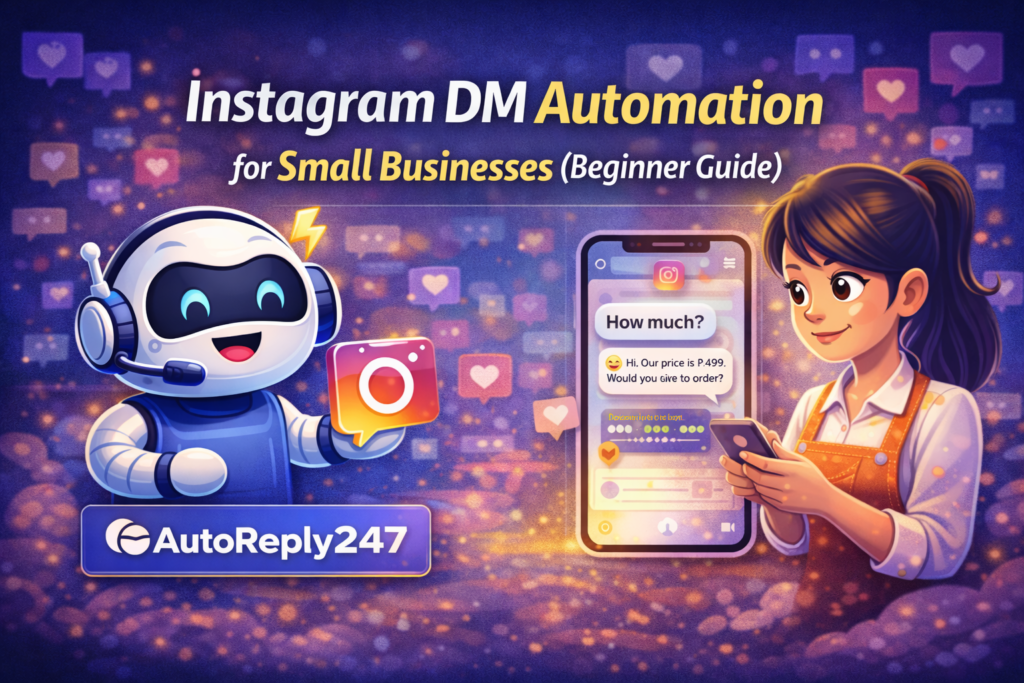
Example:
Customer: “How much?”
Auto reply: “Hi! 😊 Our price is ₱499. Would you like to order?”
⚙️ How to Set Up Instagram DM Automation (Beginner Steps)
Step 1: Switch to a Business Account
Make sure your Instagram is set to Business or Creator.
Step 2: Connect to a Facebook Page
Instagram automation works through Facebook integration.
Step 3: Use an Automation Tool
Choose a tool that supports Instagram auto replies.
Step 4: Create Instant Replies
Set a welcome message for new messages.
Example:
“Hi! 👋 Thanks for messaging us. How can we help?”
Step 5: Add Keyword Triggers
Set replies for common questions:
- “price”
- “available”
- “location”
- “order”
Step 6: Enable AI Replies
Let AI understand different variations of questions.
Step 7: Add Follow-Ups
Send reminders if customers don’t respond.
📈 What You Can Automate
You don’t need to automate everything.
Start with:
- First reply
- FAQs
- Order instructions
- Follow-ups
👉 This already covers 80% of your conversations.
⚠️ Common Mistakes Beginners Make
Avoid these:
- Overcomplicating the setup
- Writing long messages
- Sounding too robotic
- Not testing replies
👉 Keep it simple and natural.
🔥 Pro Tip: Combine Automation + Human Touch
Best strategy:
- Let automation handle the first response
- Jump in manually when needed
This gives you:
- Speed ⚡
- Personalization 💬
- Higher conversions 📈
🚀 Results You Can Expect
Once you start using DM automation:
- Faster replies
- More conversations
- Better engagement
- More sales
👉 It’s one of the easiest ways to grow your business.
Conclusion
Instagram is no longer just for content…
👉 It’s a sales platform.
And if you want to compete:
👉 You need to reply fast.
DM automation helps you do exactly that — without working 24/7.
🚀 Want to reply to every customer instantly?
Try AutoReply247 and automate your Facebook & Instagram messages in minutes.
👉 Get started now: https://autoreply247.com